Hi,
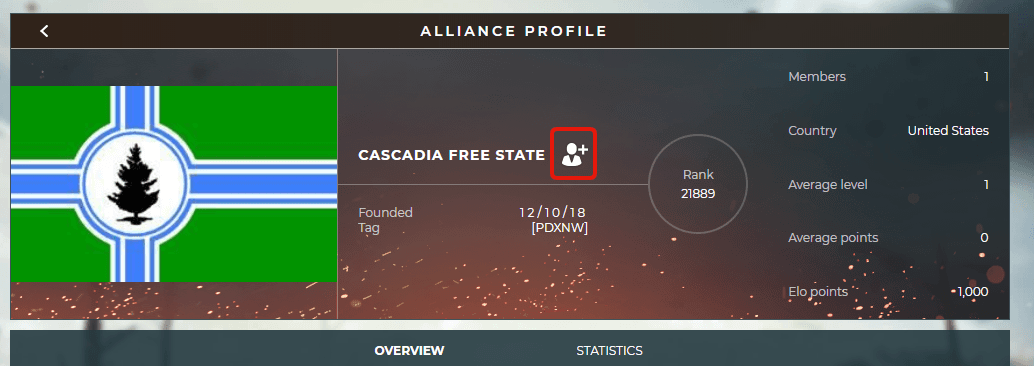
When at someone's service record you should press this button to invite them into your alliance.
For accepting a new member, scroll down on your alliance page, all applications show up here;


How do you apply and/or invite people to join an alliance on the new platform?
Hi,
When at someone's service record you should press this button to invite them into your alliance.
For accepting a new member, scroll down on your alliance page, all applications show up here;
Community Support
Supremacy 1: The Great War | EN Main Administrator
Supremacy 1914 | NL Moderator
And how do I apply to an alliance???
observerAnd how do I apply to an alliance???
As Mr. Dutch said above.
DemonaireAs Mr. Dutch said above.
Actually he told me how to invite or accept someone. Not how to apply.
I can't see it now as I am in an alliance but it's on the alliance page. It's just much harder to find now than it was. I think it was upper right somewhere.
If the alliance allow players to apply, this button will appear
Please log in to post a reply.